THE STUDIO JOURNAL
PNG, JPEG and Pixel Dimensions: What to Check Before You Buy
Ideas, practical guidance and inspiration for your next creative project.

THE STUDIO JOURNAL
File specifications tell you how an artwork can fit your project. Look beyond the preview and check the original format, pixel dimensions and background information before purchasing.
PNG does not always mean transparent
PNG supports transparency, but a PNG file can also have an opaque background. Our product specifications state whether the original background is transparent or opaque. A preview displayed on white is not, by itself, proof of either.
JPEG is useful for complete scenes
JPEG stores a flat image without an alpha transparency channel. It is commonly used for illustrations and scenes intended to fill a rectangular area. Choose the supplied format based on your design software and the requirements of the final project.
Pixels determine the available image detail
A 6144 × 6144 pixel image is square. At 300 pixels per inch, its dimensions correspond to approximately 20.48 × 20.48 inches before cropping. This is a calculation, not a guarantee of print quality: the artwork, substrate, printer and viewing distance also matter.
Check the provider’s template
Before printing or uploading to a POD service, check the required dimensions, bleed, safe area and colour workflow. Avoid stretching a rectangular image into a square. Inspect your final layout and order a proof when appropriate.
Explore artwork with file specifications → · More download questions
Compare files in these collections
Start with a preview, then check the pixel dimensions and actual file format on the product page. Printing and frames are not included.
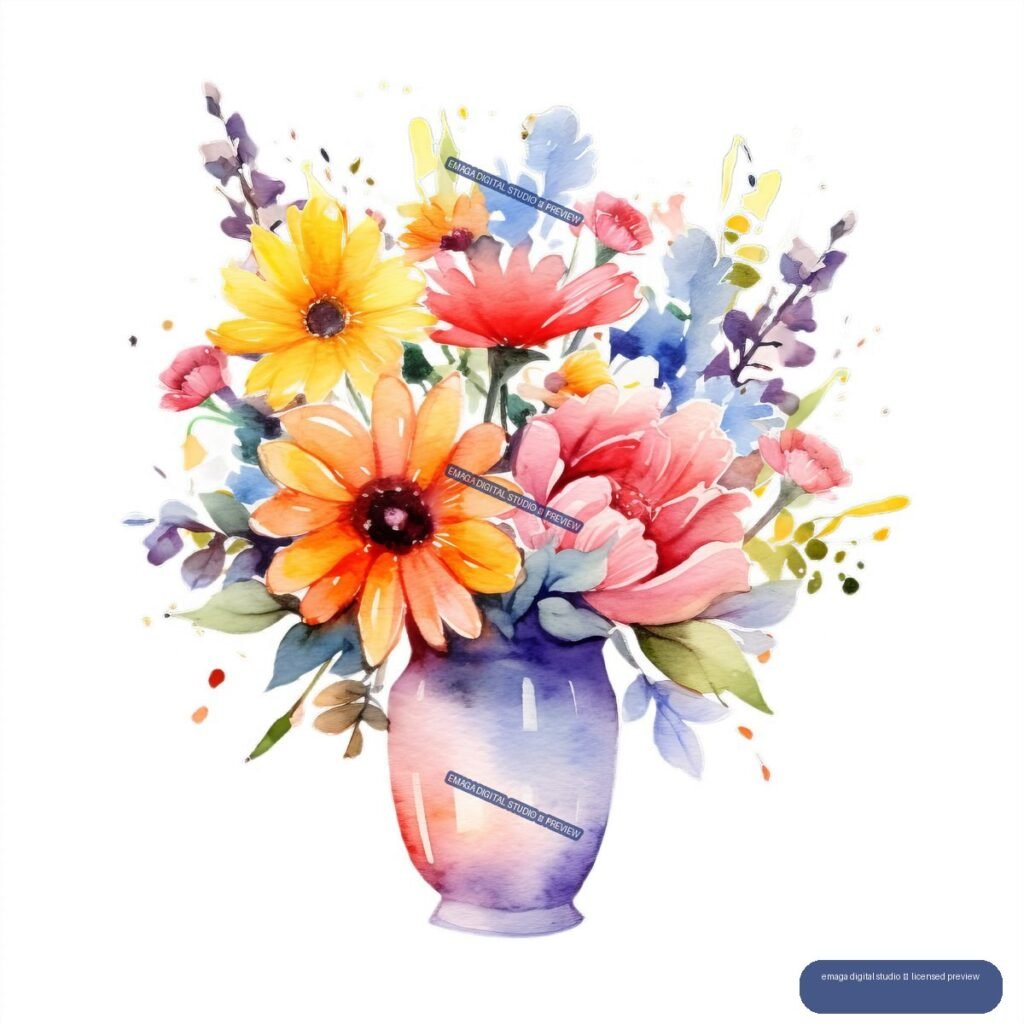
- Floral Bouquet – browse the collection
- Mountain Landscapes – browse the collection
- Snow-Covered Trees – browse the collection
All seasonal artwork · Nature and botanical artwork · Check your project with us
Explore artwork for your project
Compare real product previews in these collections, then check the file specifications and license for your intended use. The purchase supplies digital artwork; physical products and printing are not included.